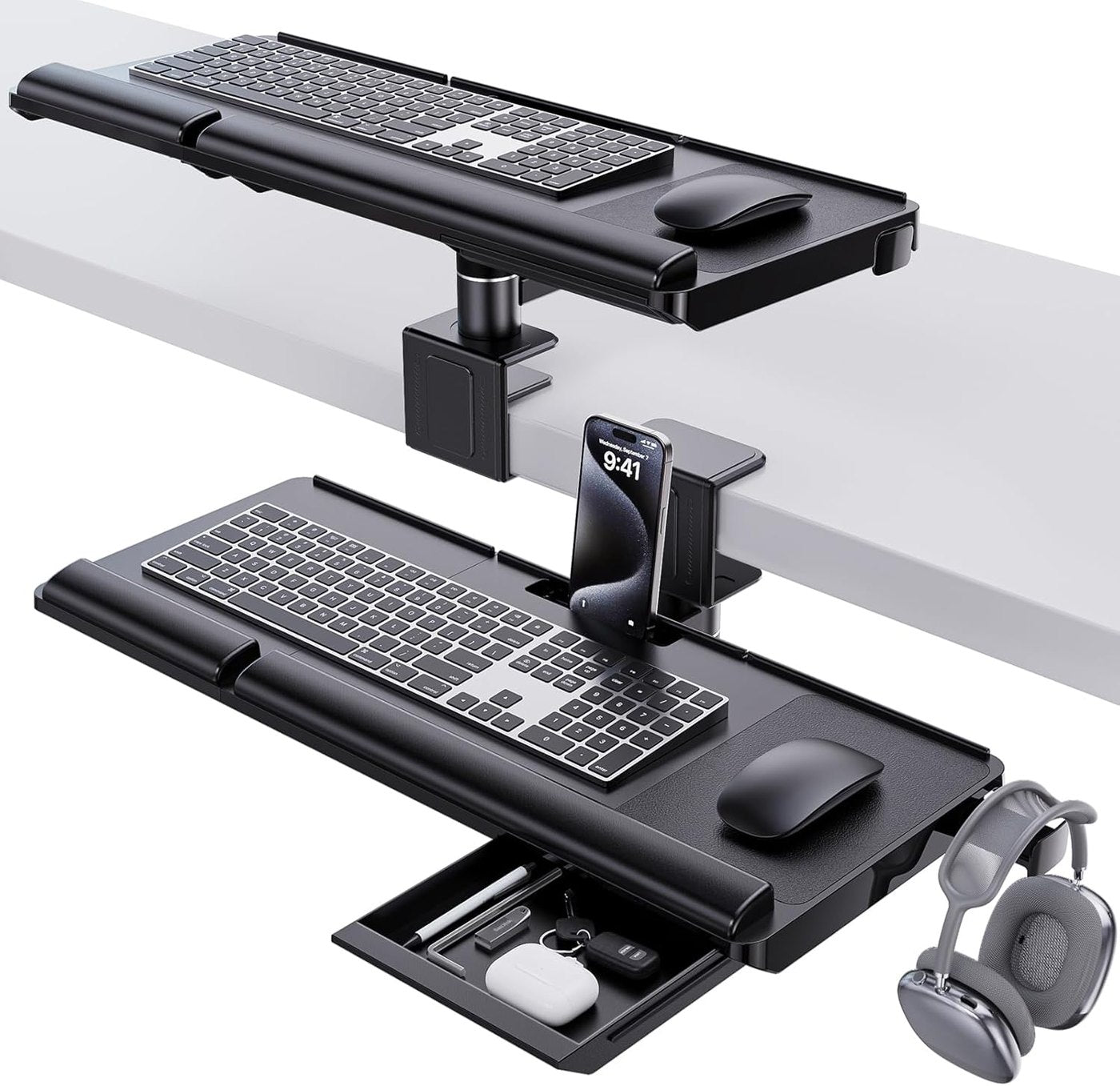
An adjustable keyboard tray should put the keyboard where shoulders can relax and wrists can stay neutral. Measure seated elbow height, chair height, desk thickness, and knee clearance before comparing models. A tray with many adjustments can still fail if it starts too low, blocks leg movement, or pushes the keyboard too far from the body. Rails, clamps, and tilt mechanisms need clear space under the desk. Drawer boxes, crossbars, cable trays, modesty panels, and thick beveled edges can all interfere. Mark the tray footprint with paper and look underneath before buying so installation does not become a surprise woodworking project. A keyboard tray is only comfortable if the mouse has enough room at the same height. Narrow trays can force the mouse too far forward or too close to the keyboard. Buyers should check platform width, side extensions, and whether left-handed or right-handed users can work without twisting. The tray should slide, tilt, and lock without wobble. A little movement during typing can become distracting over a full day. Strong rails, clear stops, and a firm platform matter more than a dramatic range of motion. The best models feel quiet because the keyboard stays exactly where the user expects it. Some trays need drilling, while others clamp or mount to existing rails. Confirm screw length, desktop material, pilot-hole needs, and whether the hardware suits laminate, wood, or metal desks. Renters and shared offices should be especially careful about permanent changes. A tray that improves wrist angle can still hit knees, chair arms, or a lap drawer. Sit at the desk, pull the chair close, and imagine the tray fully extended and fully stored. If the desk is shallow, the stowed tray may also compete with the chair when not in use. Wired keyboards, USB hubs, trackpads, and charging cables need slack when the tray moves. Leave a service loop, keep cables away from sliding rails, and avoid tying everything into one rigid bundle. A clean tray should still move freely and let accessories be replaced without dismantling the desk. Writers, spreadsheet users, designers, and call-center workers use keyboards differently. Some need a compact platform that disappears when not in use; others need a broad surface for a keyboard, mouse, wrist rest, and shortcuts. The right tray supports the daily routine instead of forcing the routine to fit the hardware.
Contact the Editorial Desk
Trust and contact information for this adjustable keyboard tray support resource.